
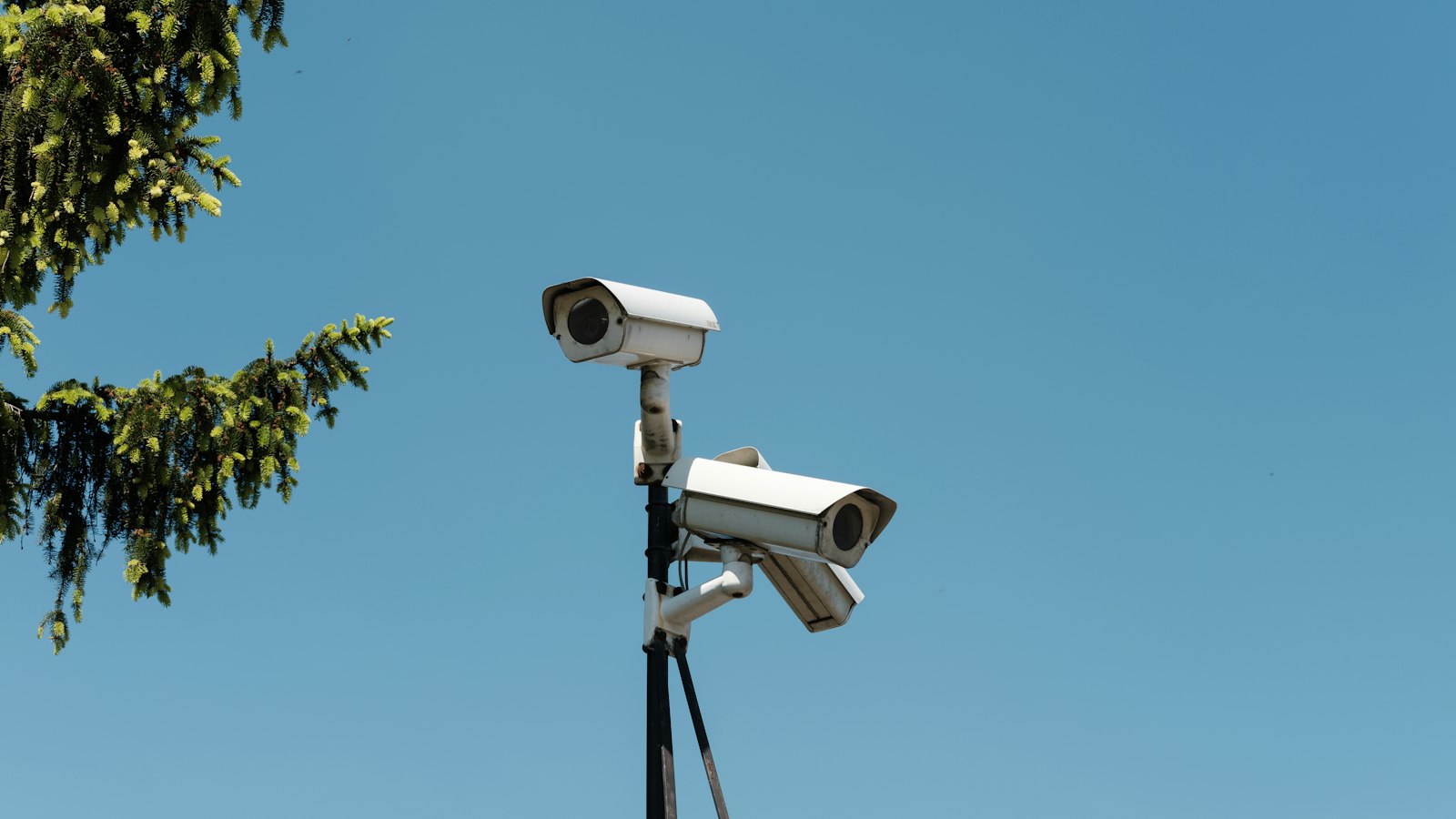
Buying CCTV looks simple until you compare quotes. One offers eight cameras for a low price, another offers four with better specifications, and a third mentions storage you did not ask about. This guide explains what to decide, in what order, so you can compare installations for a home, an office or a factory in Thane properly.
Key takeaway: a good CCTV system starts with what you need to see and for how long, not with a camera count. Camera placement, storage days and a clean installation matter more than headline megapixels.
How many cameras, where, and for how many days
Start with objectives
Write down what you want the system to do. "Identify who entered through the gate" needs a different camera from "see activity across a car park". The first needs a close view of faces, and the second a wide view.
Typical placement
- Entrances and exits. Cover every door, gate and shutter, positioned to capture faces as people approach.
- Cash and valuables. Counters, safes, stores and server rooms.
- Corridors and staircases. Cover movement between areas.
- Perimeter and parking. Wider views, with good night-time performance.
- Production and loading areas, in factories and warehouses.
Avoid private areas such as washrooms and changing rooms, and display notices where cameras are in use.
Storage days
Decide how many days of footage you want to keep, for example 15, 30 or more. Longer retention needs more storage, and higher resolution and more cameras increase the need further. Ask your installer to show how they calculated the storage so you are not surprised later.
IP vs analog, resolution and night vision
- IP cameras send digital video over network cables, often with power on the same cable. They offer higher resolution, flexible placement and easier expansion. They are the usual choice for new installations.
- Analog (HD over coax) cameras reuse existing coaxial cabling, which can make upgrades of older systems cheaper. They are less flexible and offer fewer advanced features.
- Resolution. More megapixels give more detail, but only if the lens, lighting and placement support it. A well-placed 4 MP camera beats a badly placed 8 MP one.
- Night vision. Infrared gives black-and-white images in the dark, and colour night cameras use a built-in light. Ask for a night sample from a similar site, not a brochure.
- Weather and tamper resistance. Outdoor cameras need appropriate dust and water protection, and vandal-resistant housings where they can be reached.
If you want your cameras to do more than record, for example to detect intrusions automatically, read our guide to CCTV video analytics for warehouses.
Cabling, power, recorder sizing and remote viewing
- Cabling. Good cabling is the least visible and most important part of an installation. It should be run in conduit or trunking, labelled at both ends and kept away from power cables.
- Power over Ethernet (PoE). A PoE switch powers each camera over its network cable, so you avoid a separate power point at every camera.
- Recorder (NVR or DVR). It should have enough channels, enough disk capacity for your retention target and room for expansion.
- Backup power. A UPS keeps the recorder and switch running through short power cuts and protects them from surges.
- Remote viewing. Mobile and web access is useful, but it must be set up securely. Insist on changed default passwords, updated firmware and no unnecessary open ports.
Access control and CCTV complement each other, since cameras at a door show who used a card or fingerprint. For that side, see biometric access control in Thane and Mumbai.
Warranty, AMC and what a clean installation looks like
What a clean installation looks like
- Cables are hidden or neatly trunked, and not left hanging.
- Cameras are firmly mounted and aimed correctly, with no unnecessary glare.
- The recorder and switch sit in a ventilated, lockable rack or cabinet.
- Every camera and cable is labelled, and the label matches the documentation.
- You receive the passwords, a device list and a simple site diagram.
Warranty and maintenance
- Ask for the warranty period on cameras, recorder and disks, and who handles claims.
- Ask whether an annual maintenance contract is offered and what it covers: lens cleaning, checks of recording, disk health and firmware updates.
- Ask about response time for failures.
Cameras that are part of a larger building system can also connect to automation. See how in our guide to building management system scope and cost.
Quick buyer's checklist
- What do I need to see, and where?
- How many days of storage do I need?
- IP or analog, and why?
- Is power, cabling and a UPS included?
- Can I view it securely on my phone?
- What are the warranty and service terms?
Talk to KBI
Get a CCTV design and quote for your premises. KBI will survey your home, office or factory in Thane, propose camera positions and storage, and give you a clear scope. See our Video Surveillance & Analytics page or contact us.